
First login to the new e-shop
Did you have an account on our previous e-shop?
When logging in to the new e-shop for the first time, please set a new password. It only takes a moment.
How to do it?
1
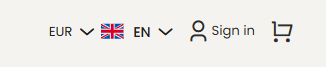
Sign in
Click Sign in in the top-right corner.
2
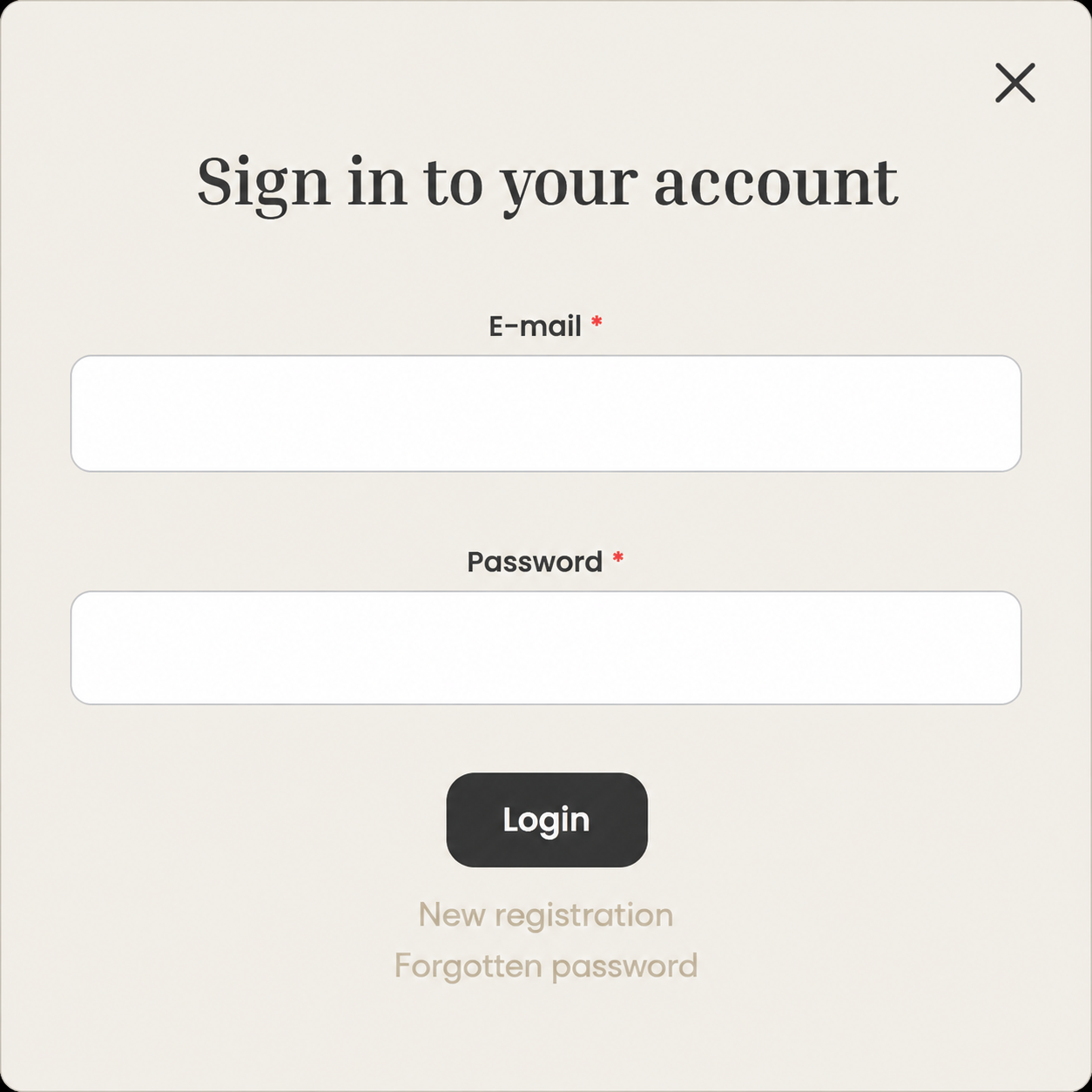
Forgotten password
Select Forgotten password.
3
Set a new password
Enter your e-mail address and set a new password.
If you wish, you can use the same password you used on our previous e-shop.
That’s it. Enjoy your shopping!